2025 Sci-Fi, Fantasy Series 8.7/10
The crew of humanity's most distant outpost keeps the lights on, the peace intact and one very large secret to themselves.
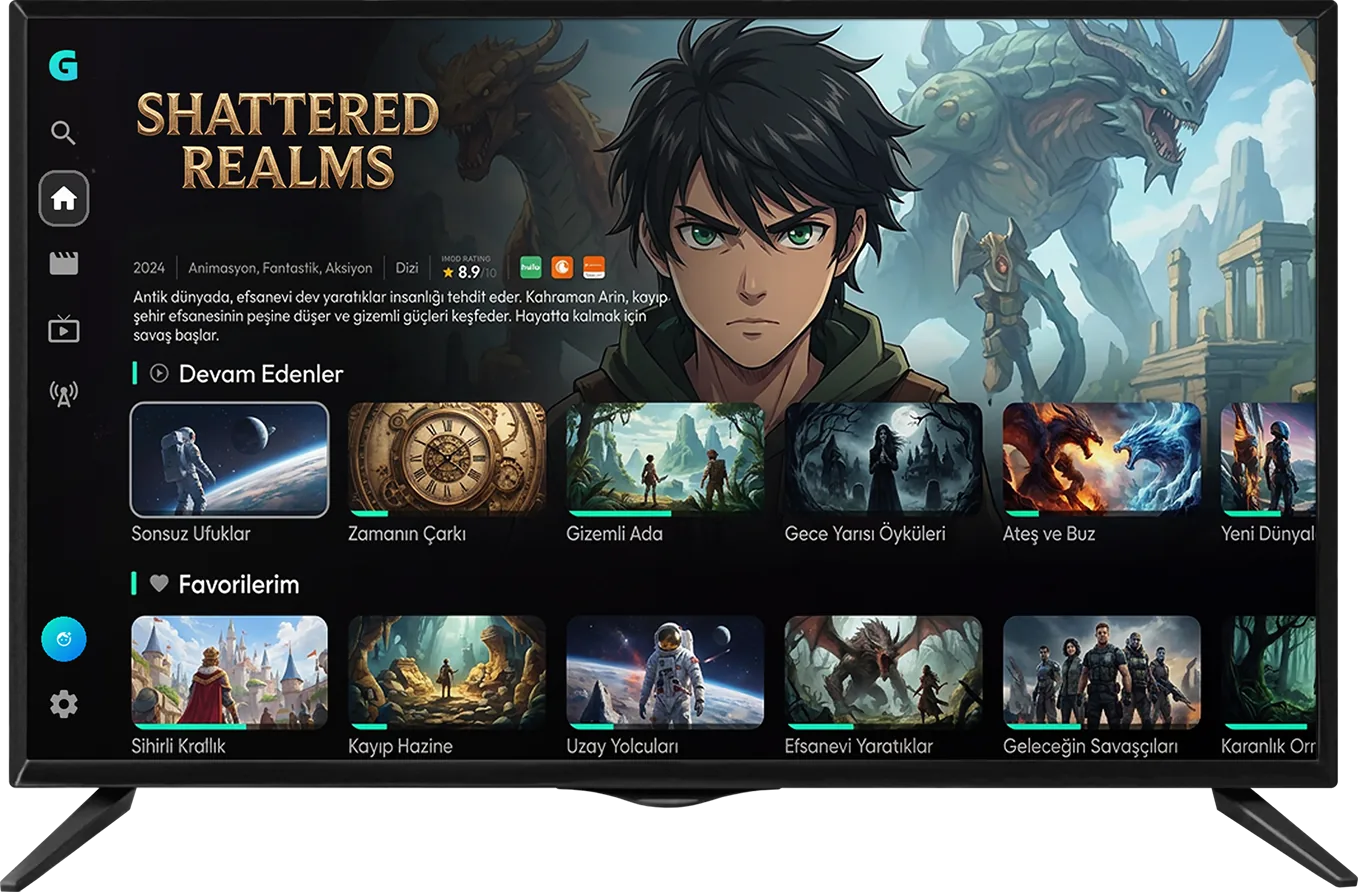
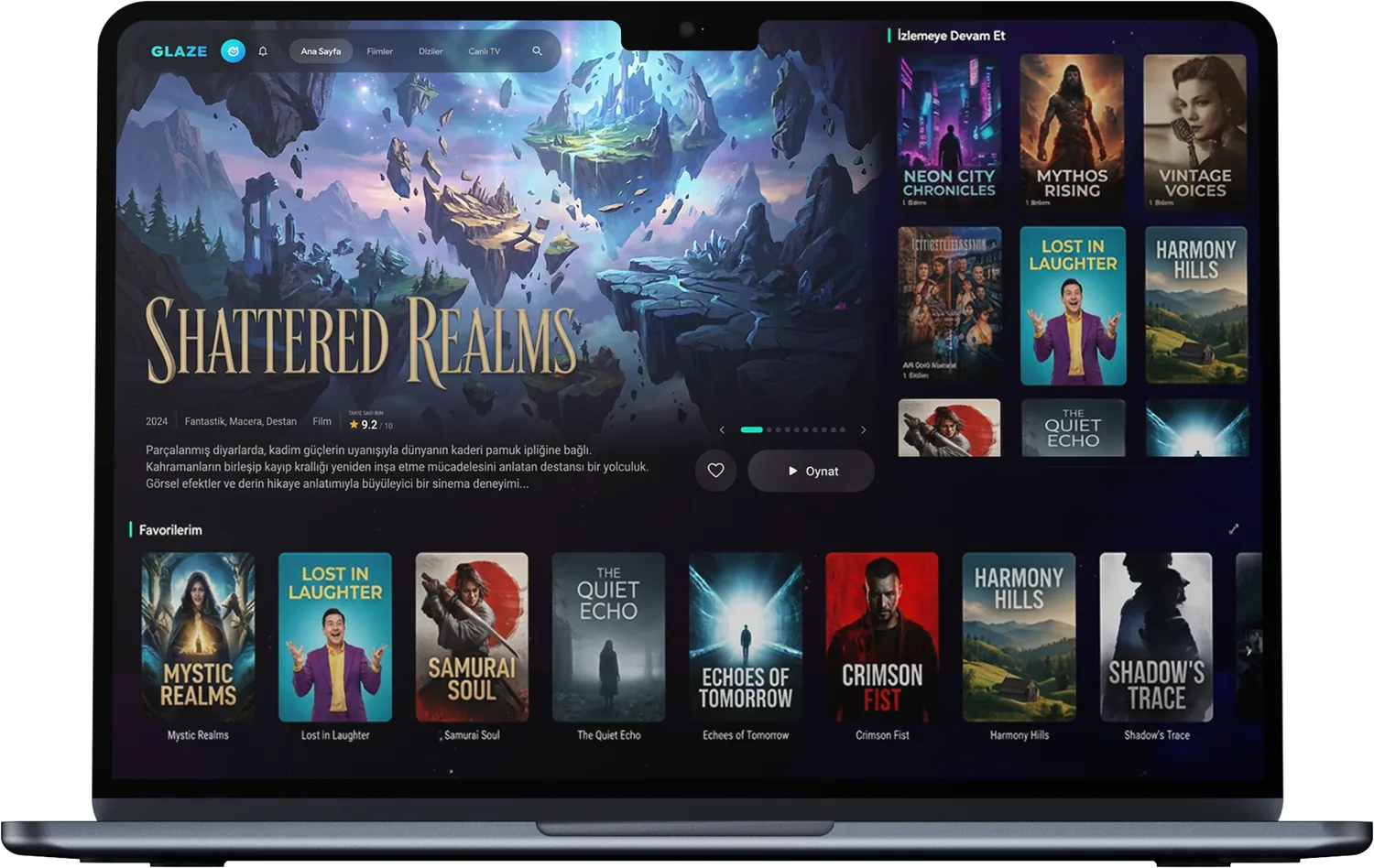
The IPTV player, at its most beautiful.
Add your own Xtream or M3U playlist and Glaze turns it into a tidy library with posters, synopses and episodes that pick up where you left off. On your phone, tablet, computer and TV.
Notifications
Deep Blue TVLive

Multi-viewManage live streams on one screen
3 / 4 streamsAudio
Subtitles
In most players an IPTV playlist looks like a long pile of file names. Glaze recognizes the movies and series in yours one by one, adds the poster, synopsis, rating and cast, and shelves them by genre. Anything it cannot match does not disappear; it stays listed under the name from your playlist.
#EXTINF:-1,Halcyon.Drift.2026.1080p
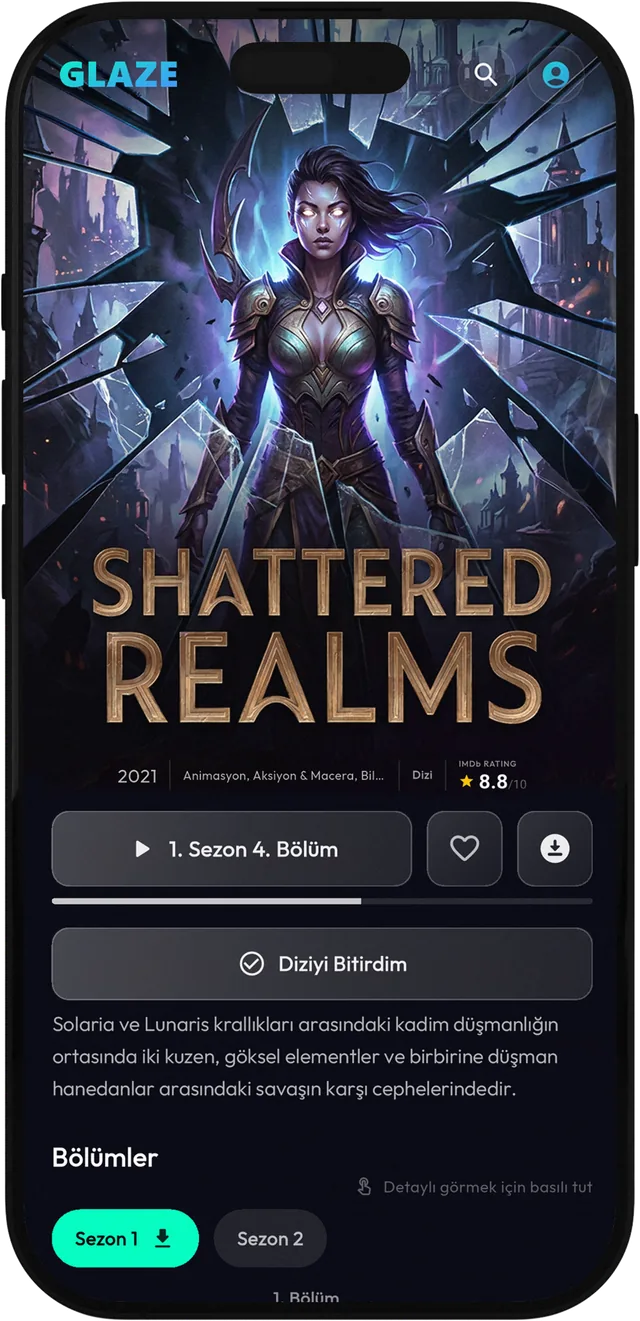
http://server.address/movie/48213.mp4The movie you paused and the next episode of your series are waiting on the home screen. Create a free Glaze account and that progress syncs across your devices: start an episode in the living room, carry on from the same second on your phone.
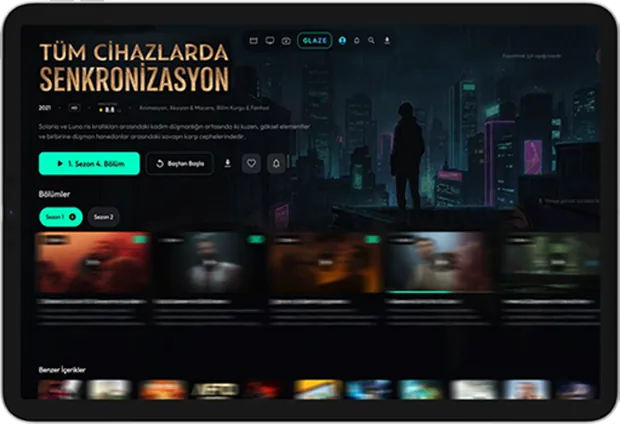
Seasons, episode stills and synopses, the cast, similar titles. Episodes you have watched get marked. You are notified when a series you follow gets a new episode, and you can download episodes to watch without a connection.
If your provider supplies a program guide (EPG), channels line up with their schedules hour by hour, so you can see what is on now and what comes next. On Windows, multi-view opens up to four channels on one screen: the match in one corner, the news in another.
Switch audio language and subtitles in two taps, and set the subtitle size and color you prefer. The sleep timer stops playback when time is up or when the episode ends. On supported devices the video keeps playing in a small window.
This window is a copy of the Glaze interface running in your browser. Browse the menus, tap a poster, press play. Every movie, series and channel you see is fictional; in the app, your own playlist takes their place.
You saw the main act above. The rest are the details you notice in everyday use.
Each profile keeps its own watch history, favorites and progress. The kids profile hides adult content, and you can lock parental controls with a PIN.
On a TV or computer, scan the QR code on the sign-in screen with your phone, or enter the six-digit code shown. No spelling out your email address with a remote.
Tap one of the four backgrounds. The demo window above changes along with you.
Save movies and episodes to your device. On a plane, on the road or wherever the connection is weak, carry on from where you stopped.
Add your home subscription and your holiday-house one as separate playlists and switch with a single tap. Playlists added through Xtream or an M3U link follow your account to your other devices; .m3u files picked from a device stay on that device.
Turkish, English, German and Russian. Change the language and movie and series synopses switch along with the menus.
The demo above was a copy running in your browser. This video shows Glaze itself on real devices: signing in on the TV with a QR code, the same library on phone and computer, and the program guide for live channels.
Glaze TV trailer
1080pSettings
Quality
Playback speed
Every movie, series and channel in the video is fictional.
No technical knowledge needed. You enter the details your IPTV provider gave you once, and Glaze takes care of the rest.
Microsoft Store for Windows, Google Play for Android phones, tablets and Android TV, the App Store for iPhone and iPad. It is the same app everywhere, and it is free.
There are three ways. Xtream Codes: the server address, username and password from your provider. M3U link: a single address, usually ending in .m3u. M3U file: a playlist saved on your device. Not sure which one you have? Check the email from your provider; the details are usually in there.
Glaze scans your playlist once and puts posters, synopses and categories in place. With large playlists this first scan can take a few minutes; after that, the app opens quickly.
No playlist yet? The Try the Demo option on the app's sign-in screen lets you explore Glaze with the fictional catalog from this page.
The app is free to download. Right now every feature is available at no charge, and there are no ads in the app.
No. Glaze is a media player: it contains no built-in channels, movies or series, and it does not sell subscriptions or playlists. You add a playlist you are entitled to use, and Glaze organizes and plays it.
For Xtream Codes: the server address (it starts with http://), your username and your password. For M3U: either the single link your provider gave you or an .m3u / .m3u8 file on your device. Your IPTV provider supplies these details. You can add several playlists and switch between them.
Windows 10 and 11 (Microsoft Store), Android phones and tablets plus Android TV (Google Play), iPhone and iPad (App Store). An Apple TV version is in the works.
No. If you continue as a guest, your playlist, favorites and watch history are stored on that device only. With a free account they sync to your other devices, and you can move what you collected as a guest into the account.
The sign-in screen on the TV shows a QR code and a six-digit code. In the Glaze app on your phone, open Account Management > Link Device and scan the QR code or type the code. The TV connects to your account within a few seconds. The code stays valid for as long as it is on screen.
Glaze matches the movie and series names in your playlist against TMDB, an open movie database. Posters, synopses, cast and ratings for matched titles come from there; unmatched titles are shown under the name from your playlist. This product uses the TMDB API but is not endorsed or certified by TMDB.
Program guide data comes from your IPTV provider, not from Glaze. If your provider offers no EPG, or sends no data for a particular channel, the schedule stays empty. The channel still plays.
No, all of them are fictional. The movies, series and channels in the demo window were made only to show the interface, and the artwork comes from public-domain and CC0 works. You can open the same demo with "Try the Demo" on the app's sign-in screen.
Fill in the form on the support page or write to [email protected]. Tell us which device you use and when the problem started, and we can help you faster.
Go to the support pageSame account, same playlists, same spot in every episode. Start on the living-room TV, finish on your phone.
 Windows 10 and 11
  Android and Android TV
  iPhone and iPad
  Coming soon